
 we're online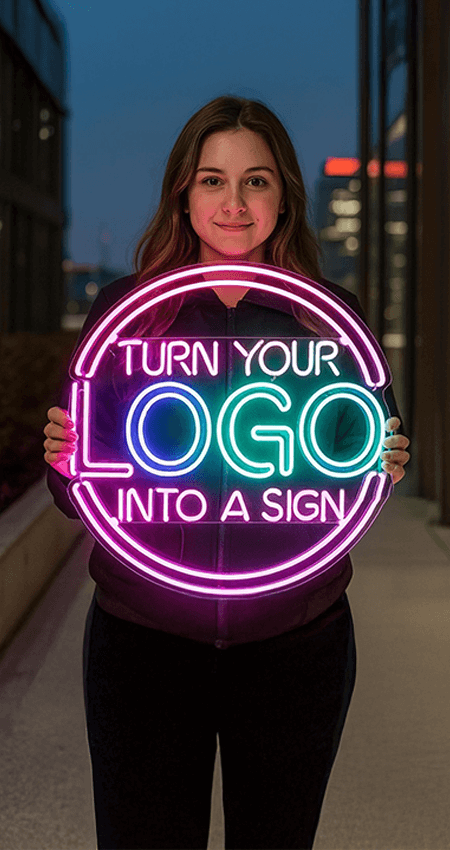
PNG vs JPG vs SVG vs PDF for Custom Neon Logo Signs
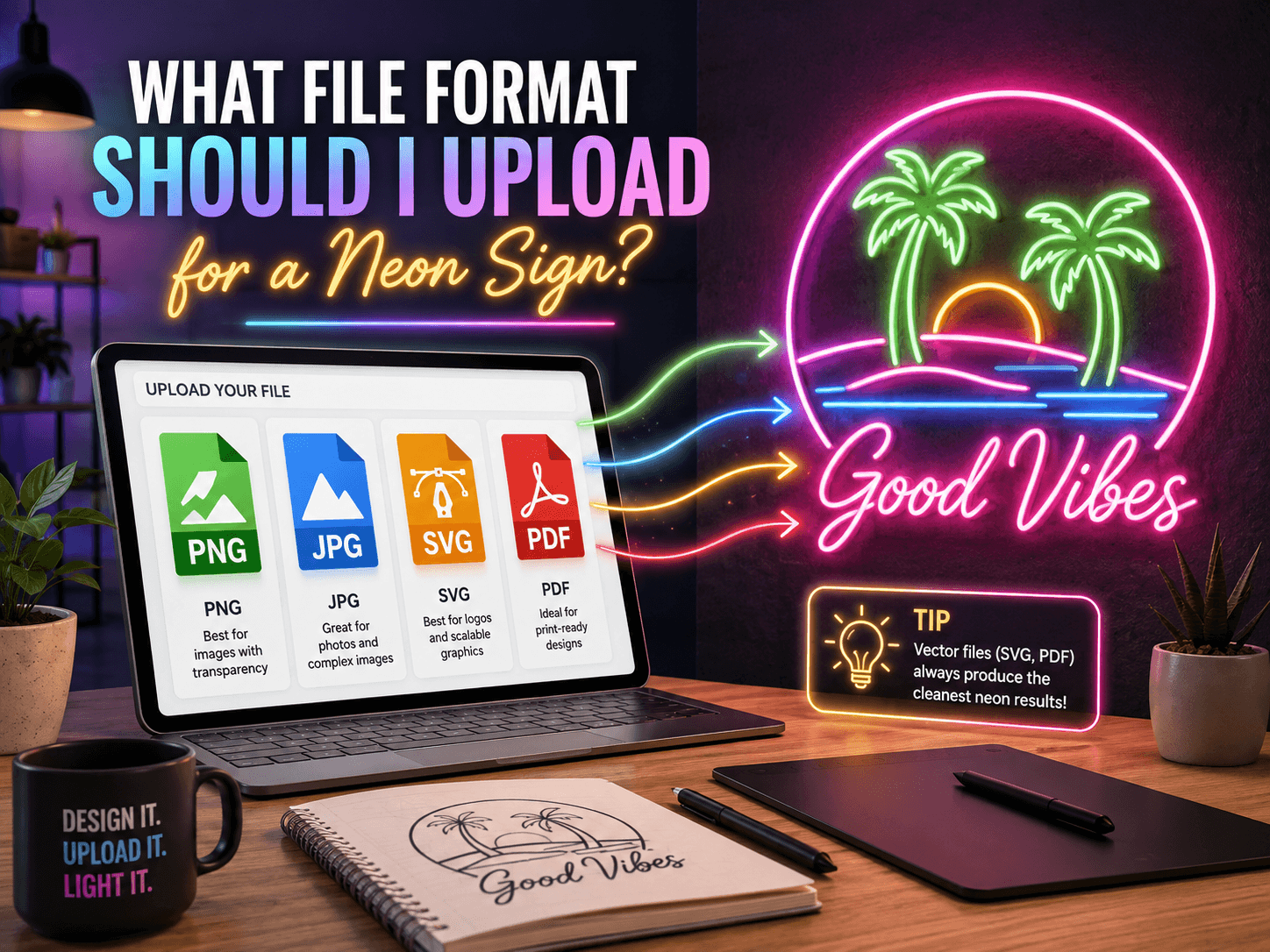
The quality of your uploaded logo affects how easily it can be converted into a custom neon logo sign. A clear file helps the design team identify the correct shapes, colors, proportions, and lettering. It can also reduce unnecessary revisions.
PNG, JPG, SVG, PDF, AI, and EPS files can all be used when ordering custom neon signs, but each format has different benefits. Here is how to select the right one.
|
Quick Answer SVG or a vector PDF is the best file for a custom neon logo sign because both keep every line sharp at any size. AI and EPS work just as well if your logo was designed in professional software. If you do not have a vector file, a high-resolution PNG with a transparent background is the next best option. Avoid a small JPG or a screenshot, since compression and low resolution make fine details hard to reproduce. |
What File Format Should I Upload for a Neon Sign?
SVG is usually the best format because it stores artwork as scalable vector paths. The logo can be enlarged without becoming blurry. AI, EPS, and vector PDF files offer the same benefit, since all four store shapes as paths rather than pixels.
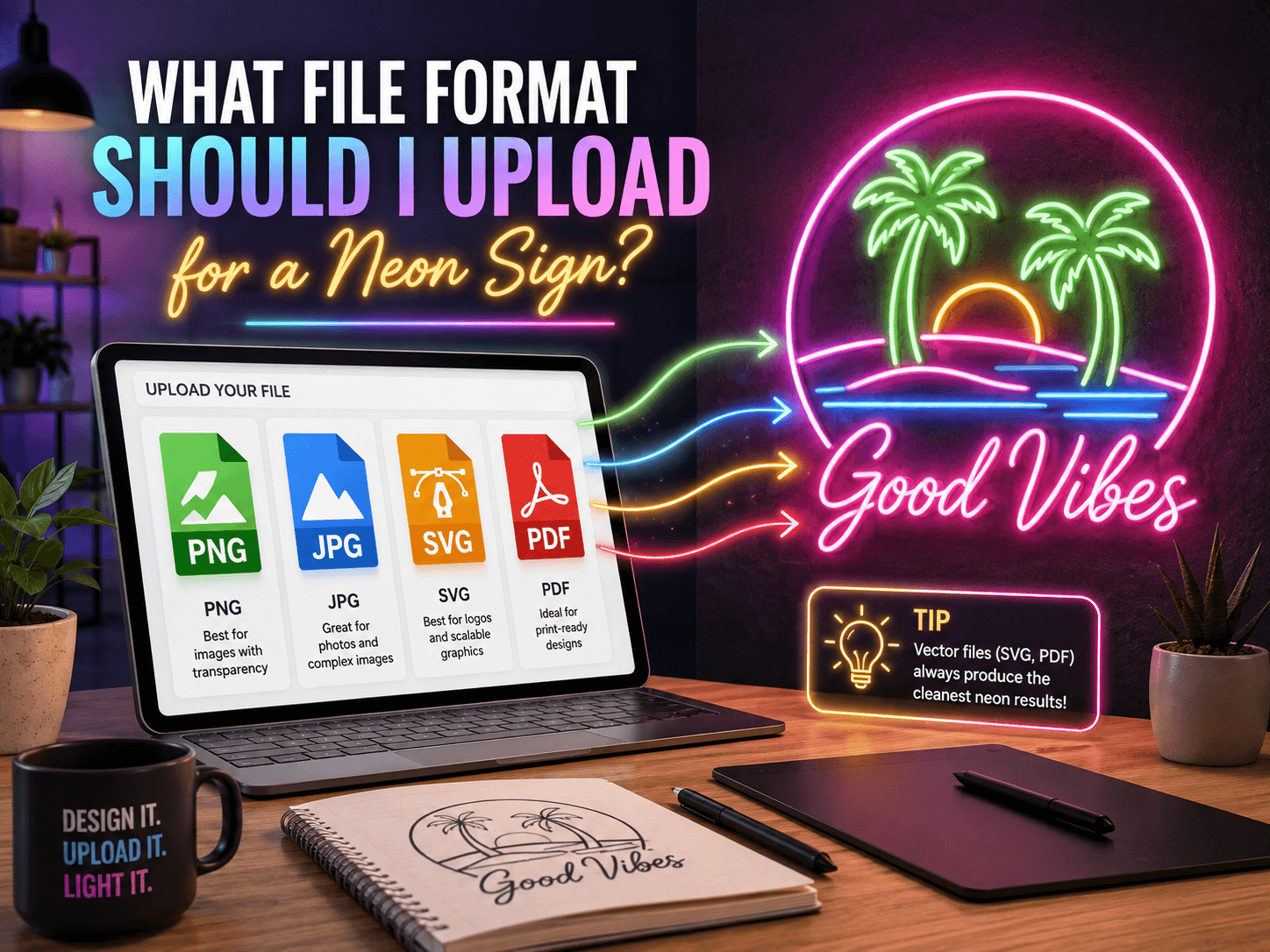
If you do not have a vector file, upload a high-resolution PNG with a transparent background. A clear JPG may also work, but image compression can reduce its quality.
The recommended order is:
- SVG, AI, or EPS
- Vector PDF
- High-resolution PNG
- High-resolution JPG
These file recommendations apply to logos, brand graphics, handwritten artwork, and custom led neon signs.
What Is a PNG File?
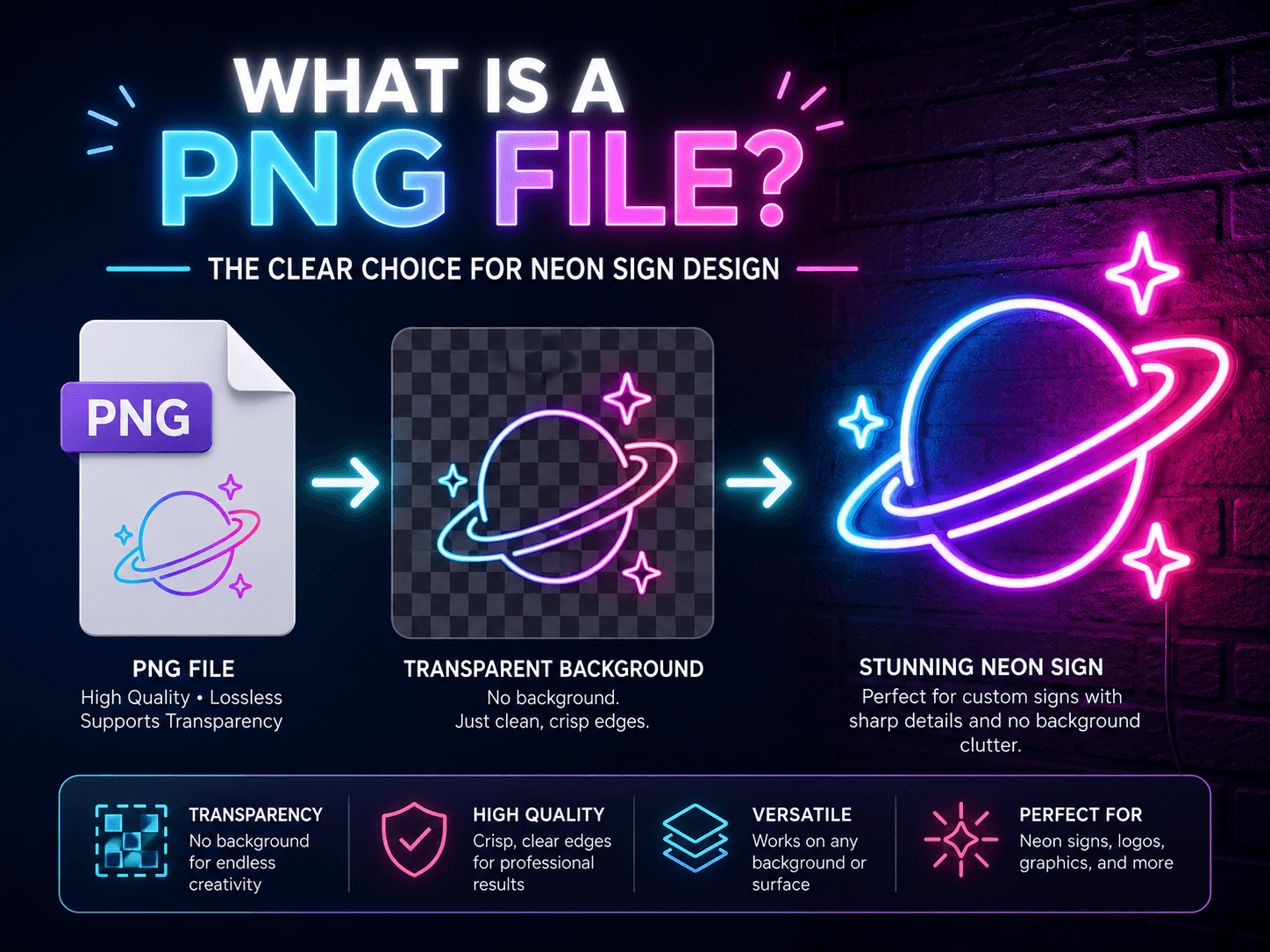
PNG is a raster image format made from pixels. Its main benefit is support for transparent backgrounds. This allows the logo to appear without an unwanted white or colored box around it.
A PNG works well when:
- The image has a transparent background.
- The logo is large and sharp.
- The colors have strong contrast.
- The design contains simple text or shapes.
- A vector file is unavailable.
PNG files are suitable for names, initials, signatures, and personalized neon signs based on simple artwork. However, a small PNG may become pixelated when enlarged. As a general guide, aim for an image that is at least 1500 pixels along its longest side, so there is enough detail left after scaling.
What Is a JPG File?
JPG is a common format used for photographs and website images. It reduces file size through compression, but heavy compression can create blurry edges and blocky areas around text.
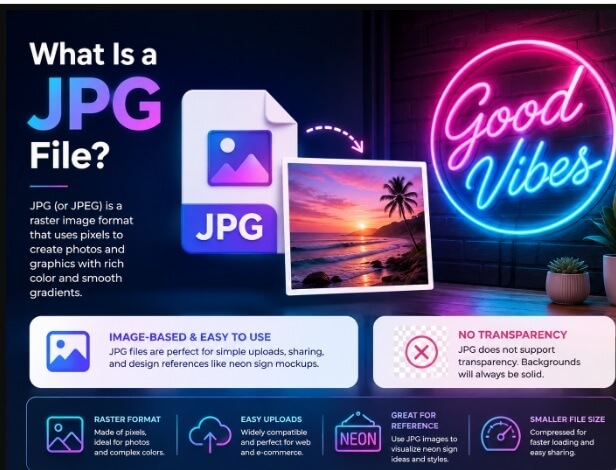
A JPG may be accepted if it has high resolution, strong contrast, and clearly visible details. Avoid uploading a small image downloaded from social media or sent through a messaging app.
Enlarging a low-quality JPG will not restore missing details. This can make it difficult to recreate logos or other artwork as neon signs.
What Is an SVG File?
SVG stands for Scalable Vector Graphics. It uses paths instead of pixels to store shapes, lines, curves, and text. The artwork remains sharp when resized, making SVG the preferred choice for professional logos.
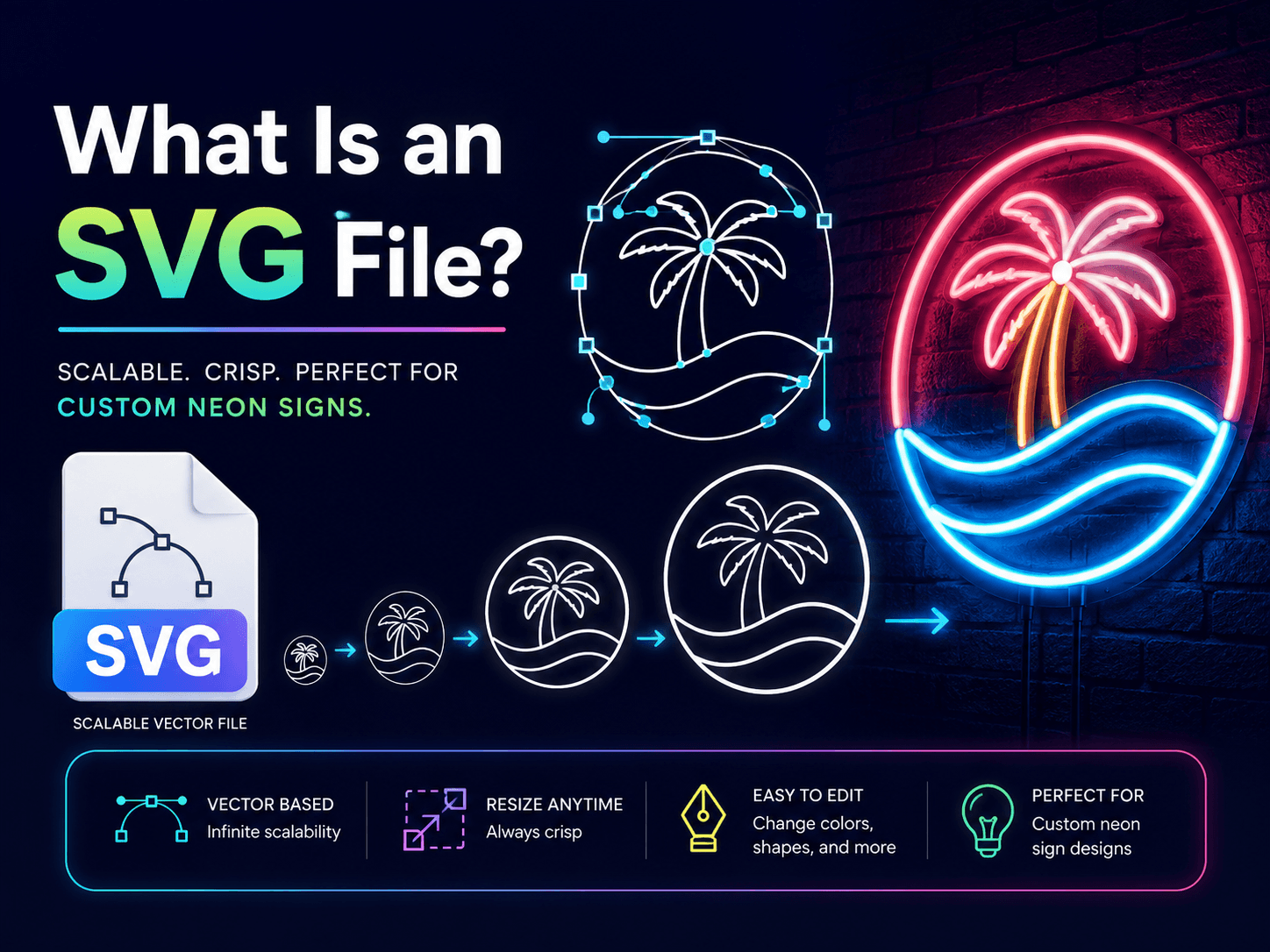
SVG is recommended for:
- Company logos
- Brand icons
- Typography
- Line drawings
- Simple illustrations
- Logo Neon Signs
Convert all editable fonts into outlines before uploading the file. This prevents the lettering from changing if the original font is unavailable.
If your logo uses more than one color, keep each color on a separate layer or group before exporting. This makes it easier for the design team to plan which parts of the sign should light up in which shade.
Complicated gradients, shadows, textures, and extremely small details may still require simplification.
What Is a PDF File?
A PDF may contain vector artwork, raster images, or a combination of the two. A PDF exported from professional design software is often suitable for a custom neon logo sign.
However, placing a low-resolution JPG inside a PDF does not make it a vector file or improve its quality.
Zoom in closely to check the artwork. If the lines remain smooth, it is probably vector-based. If they become pixelated, the PDF contains a raster image.
Vector PDFs are useful for neon signs for business, because companies often receive this format as part of their official brand files.
PNG vs JPG vs SVG vs PDF Comparison
|
Format |
Best Use |
Main Limitation |
|
PNG |
Transparent logos and simple graphics |
Can blur when enlarged |
|
JPG |
Clear reference images |
Compression can reduce quality |
|
SVG |
Logos, text, icons, and line art |
Detailed effects may need adjustment |
|
AI / EPS |
Professional vector artwork from design software |
Needs design software to open or edit |
|
|
Professional vector artwork |
Quality depends on the original file |
SVG is the strongest choice, followed by AI, EPS, or a vector PDF. A large PNG is a practical alternative if professional files are unavailable.
Best Formats for Different Neon Sign Designs
The best format may depend on where and how the finished sign will be used.
A high-resolution PNG is often enough for names, symbols, and neon signs for bedroom walls. A simple image does not always require a professional vector file.
SVG files work well for home decor neon signs based on line drawings or detailed illustrations. Clean paths help preserve the intended shape.
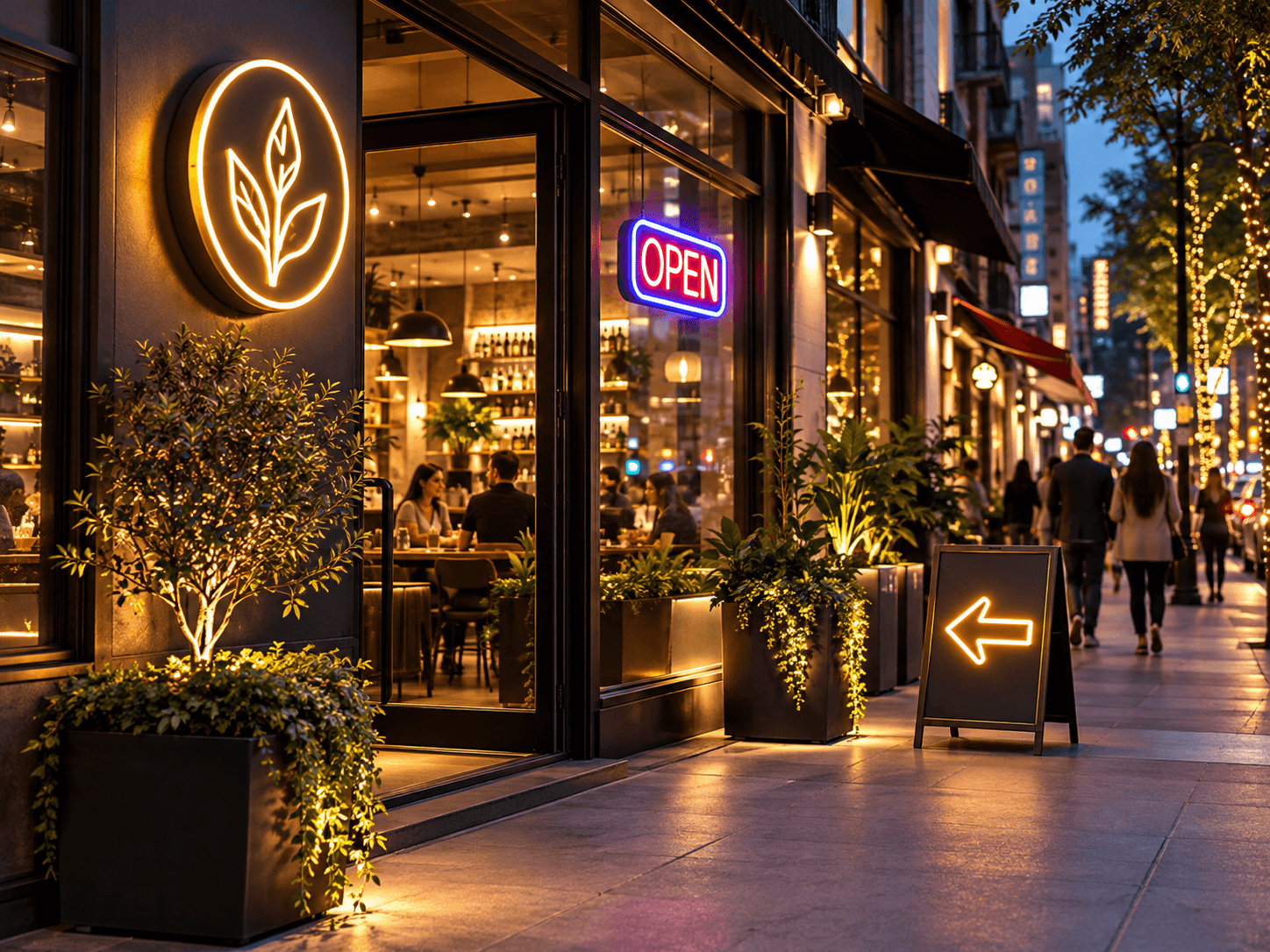
Businesses should use an SVG, AI, EPS, or vector PDF for office logos, retail displays, and restaurant neon signs. Vector artwork helps retain consistent lettering and brand proportions.
The same formats are recommended for branded Open Signs placed near store entrances.
A large PNG can be used for couples' names, handwritten messages, or wedding neon signs. If the wedding stationery designer has an SVG file, ask for a copy.
Corporate planners should upload vector logos for branded event neon signs. High-resolution PNG files are generally suitable for birthdays and private parties.
Fitness studios can submit an SVG, EPS, or PDF for a branded gym neon sign, especially when the design includes bold lettering or an athletic symbol.
For quotes and inspirational neon signs, uploading artwork may not be necessary. You may be able to enter the wording and select a font directly.
How to Prepare Your File Before Uploading
Use the following checklist before submitting your artwork:
- Upload the original logo instead of a screenshot.
- Remove unnecessary backgrounds.
- Check for blurry or pixelated edges.
- Convert fonts into outlines in vector files.
- Remove very small details when possible.
- Confirm the spelling of every word.
- Include the correct brand colors.
- Add instructions about required design elements.
Very thin lines, tiny gaps, and detailed shading may not translate clearly into an illuminated design. Simplifying these elements can improve visibility.
Can I Upload a Photo or Screenshot?
A photo or screenshot can be submitted as a reference, but it is not the preferred choice. Reflections, shadows, angled photographs, and screen compression may hide important details.
If a screenshot is your only option, capture the largest version of the logo and crop out unrelated elements.
People who want to create your own neon sign from a hand-drawn design should place the artwork on plain paper and photograph it from directly above. Use bright, even lighting so every line remains visible.
How to Upload Your Logo to NeonChamp
Choose the Upload Your Logo option and attach the best version of your artwork. Add instructions about the desired size, colors, wording, and any design elements that must remain unchanged.
Customers can order neon signs online using PNG, JPG, SVG, AI, EPS, or PDF files. The submitted artwork can be reviewed before a design proof is prepared.
If you have several versions, upload the vector file first and include a PNG as a visual reference.
Frequently Asked Questions
Which file format is best for a custom neon logo sign?
SVG is usually the best format because it remains sharp at any size. AI, EPS, and a vector PDF are equally strong options.
Can I upload a JPG?
Yes, provided it is large, clear, and free from heavy compression or pixelation.
Does converting a JPG into a PDF improve its quality?
No. Changing the file extension or placing the JPG inside a PDF does not restore missing detail.
What should I do if I do not have a vector logo?
Upload the largest PNG or JPG available. A transparent, high-resolution PNG is preferred.
Should the logo have a transparent background?
A transparent background is helpful for PNG files because it separates the logo from unwanted background colors.
Can handwritten text be converted into a neon sign?
Yes. Submit a clear scan or photograph of the handwriting on a plain background.
What resolution should my PNG or JPG be?
Aim for an image that is at least 1500 pixels along its longest side. A larger, sharper source file gives the design team more detail to work with when building your sign.
Do you accept AI or EPS files?
Yes. AI and EPS are vector formats and work just as well as SVG or a vector PDF for a custom neon logo sign.
Get 25% OFF on All ProductsCode:NEON25View Offers!
Neon Collection50% OFF