
 we're online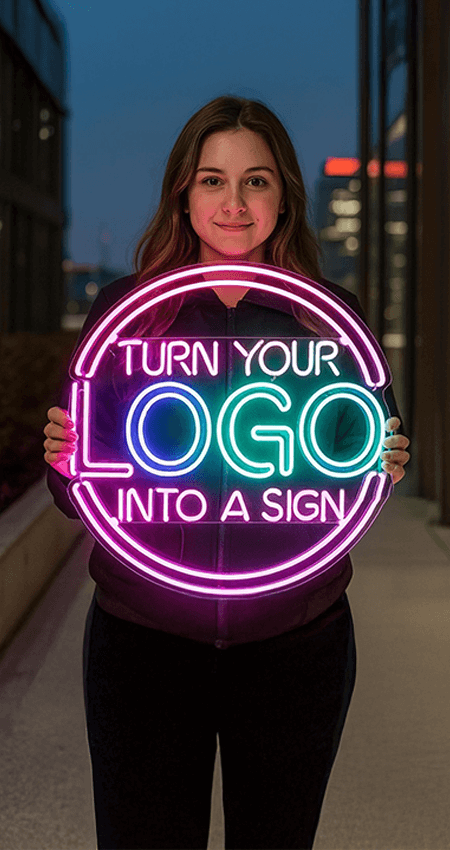
How to Turn a Name, Quote, or Drawing Into a Custom Neon Sign
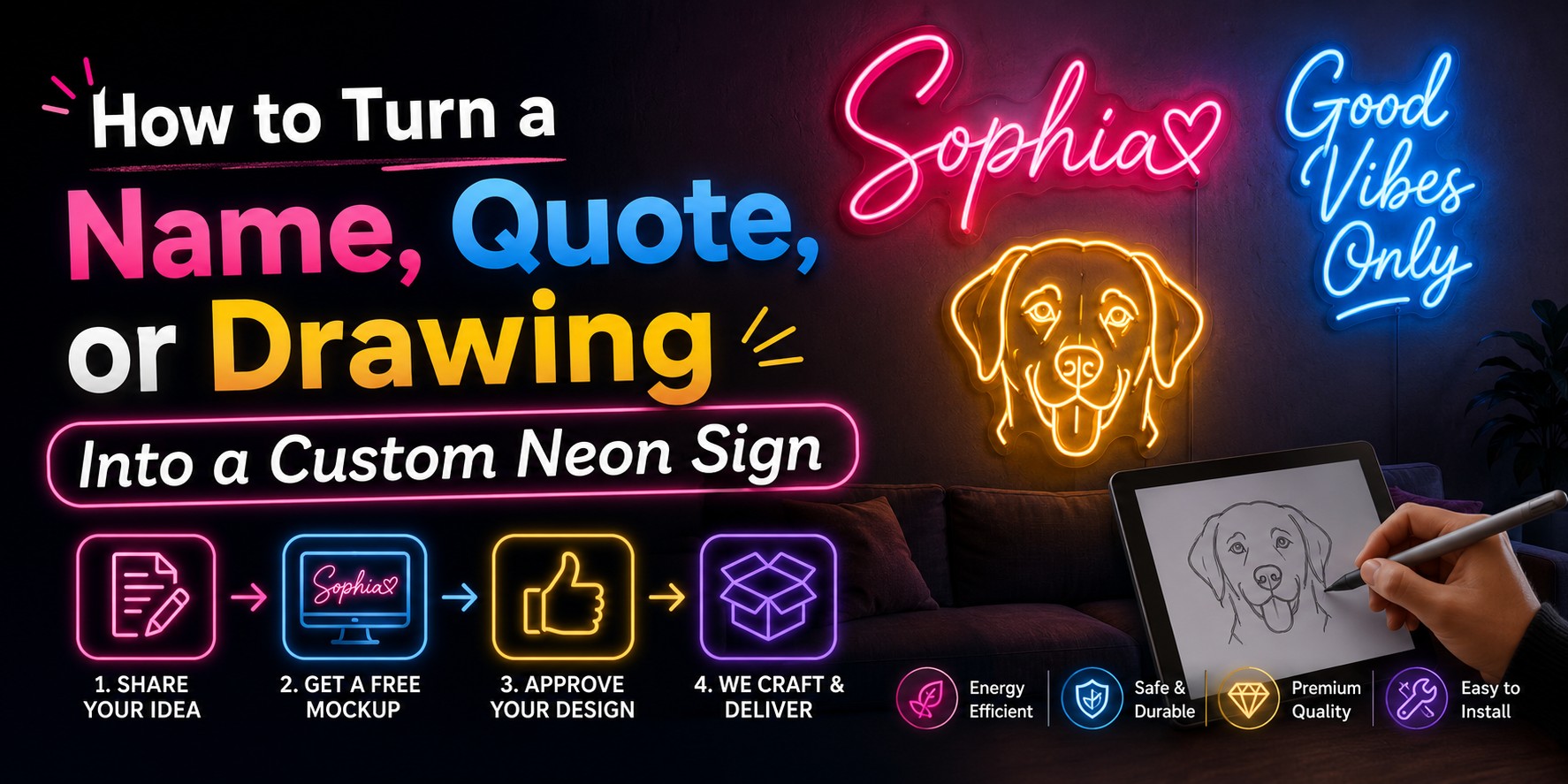
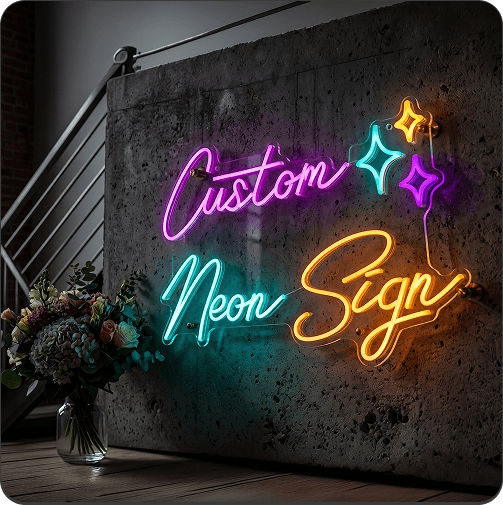
Names, written phrases, hand sketches, and digital illustrations can all become custom neon signs through a straightforward design and approval process. The original idea is simplified into illuminated lines, adjusted to the chosen size and colors, and presented as a digital mockup before production. NeonChamp can work with typed wording or uploaded artwork, depending on the design.
What Types of Designs Can Be Made Into Neon Signs?
Many ideas can be adapted into neon signs, provided the main shapes and wording remain clear. Common options include:
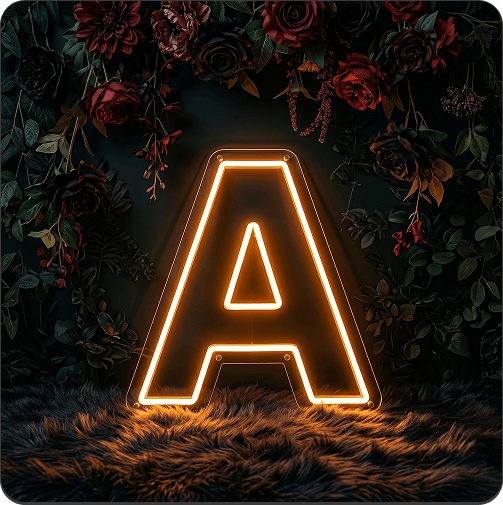
- First names, surnames, initials, and nicknames
- Short quotes and personal messages
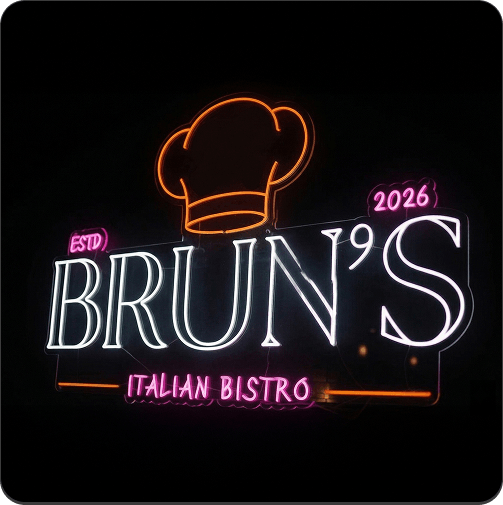
- Business names, logos, and brand slogans
- Hand-drawn illustrations and digital artwork
- Pet outlines and family symbols
- Wedding dates and romantic phrases
- Icons related to sports, gaming, music, or hobbies
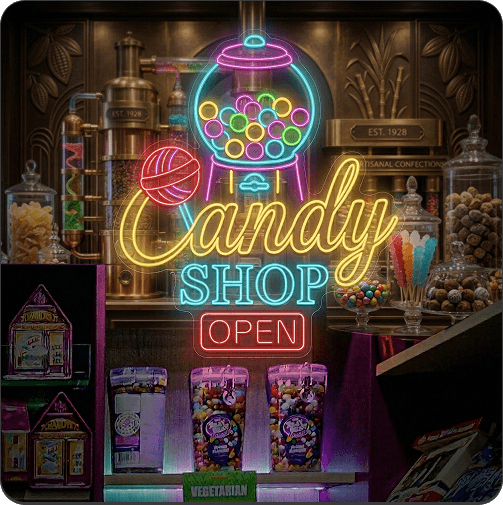
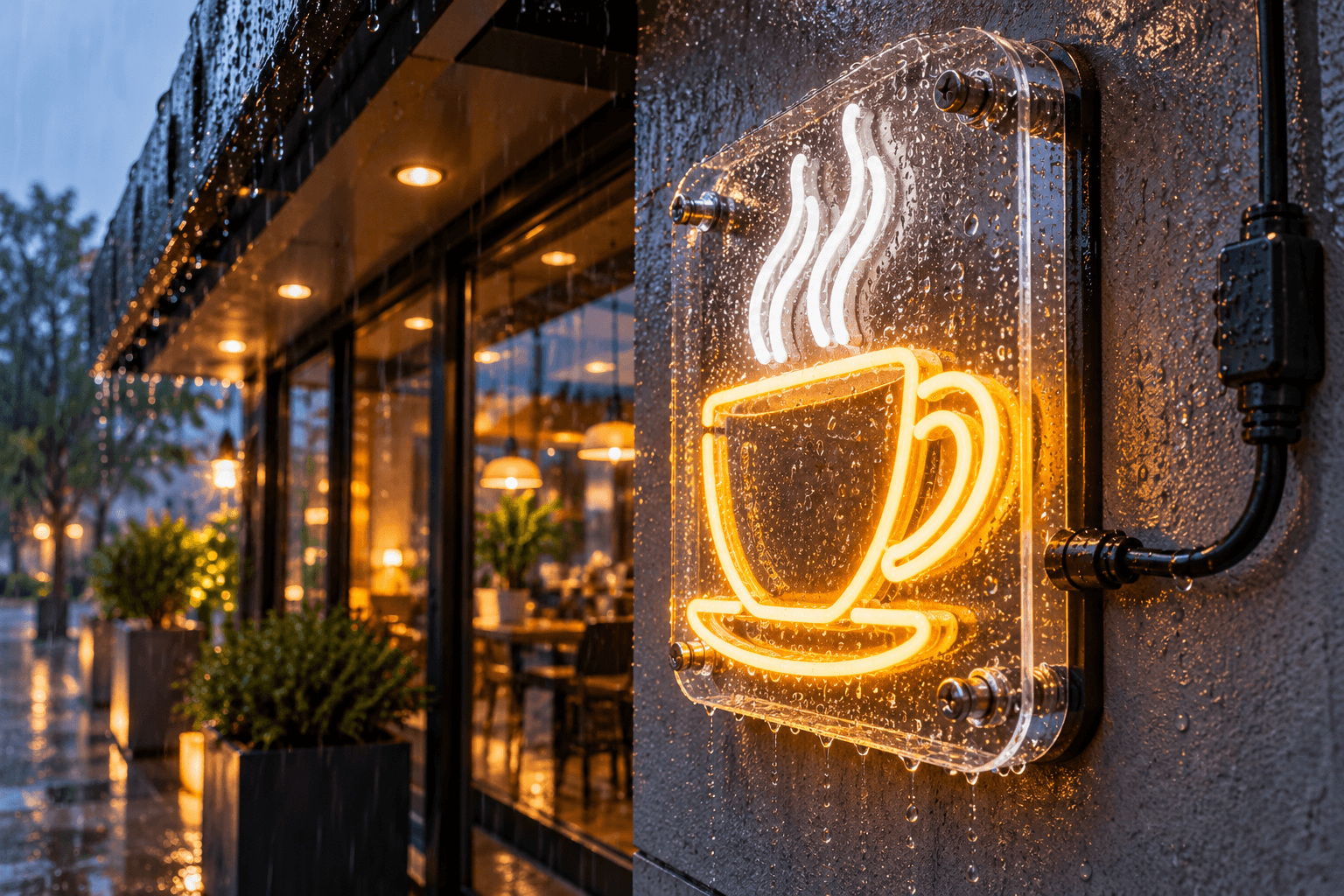
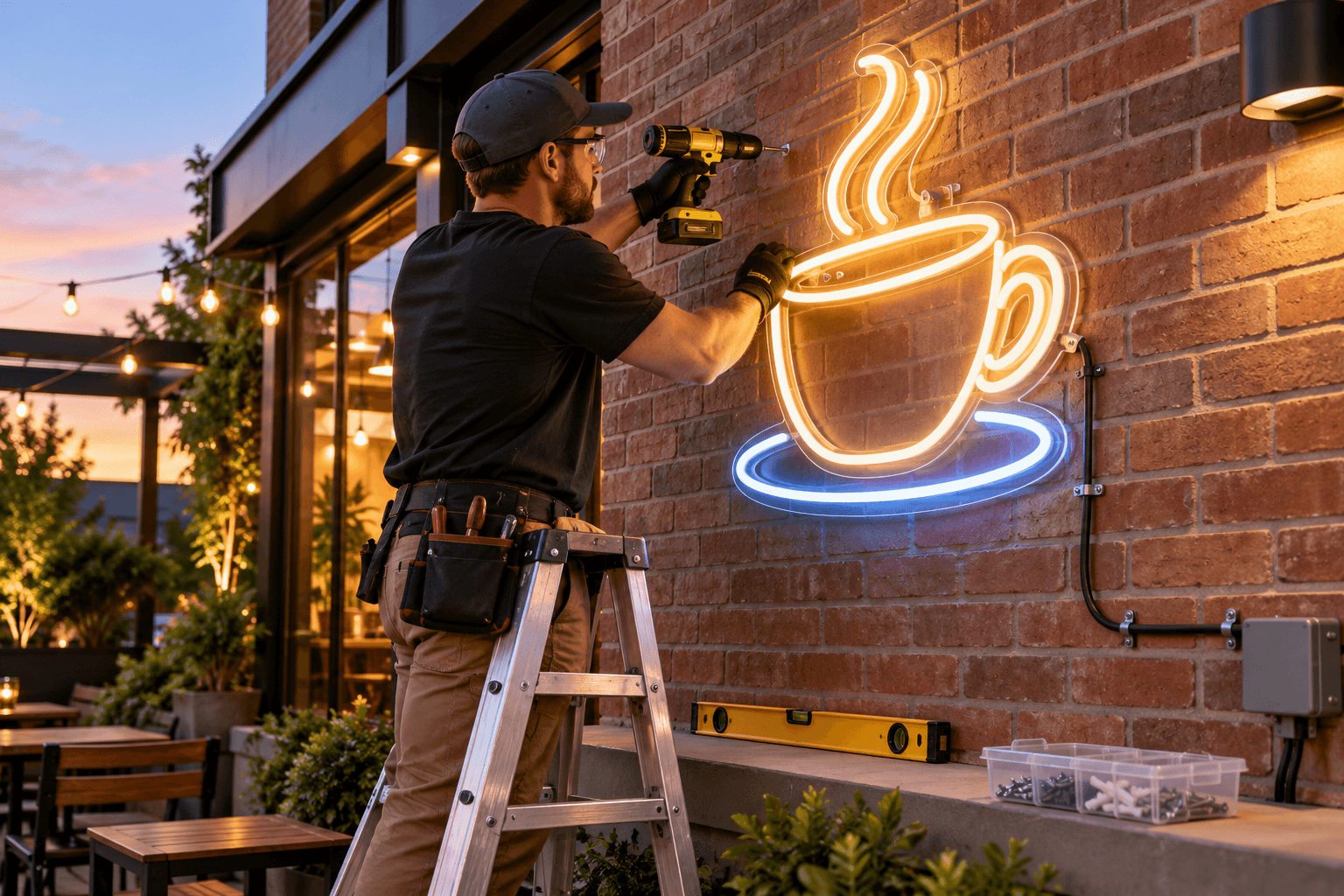
Logo Neon Signs work well for established brands, while Open Signs communicate a practical message near a storefront entrance. Other commercial options include restaurant neon signs for dining spaces and neon signs for business in offices, salons, retail stores, and reception areas.
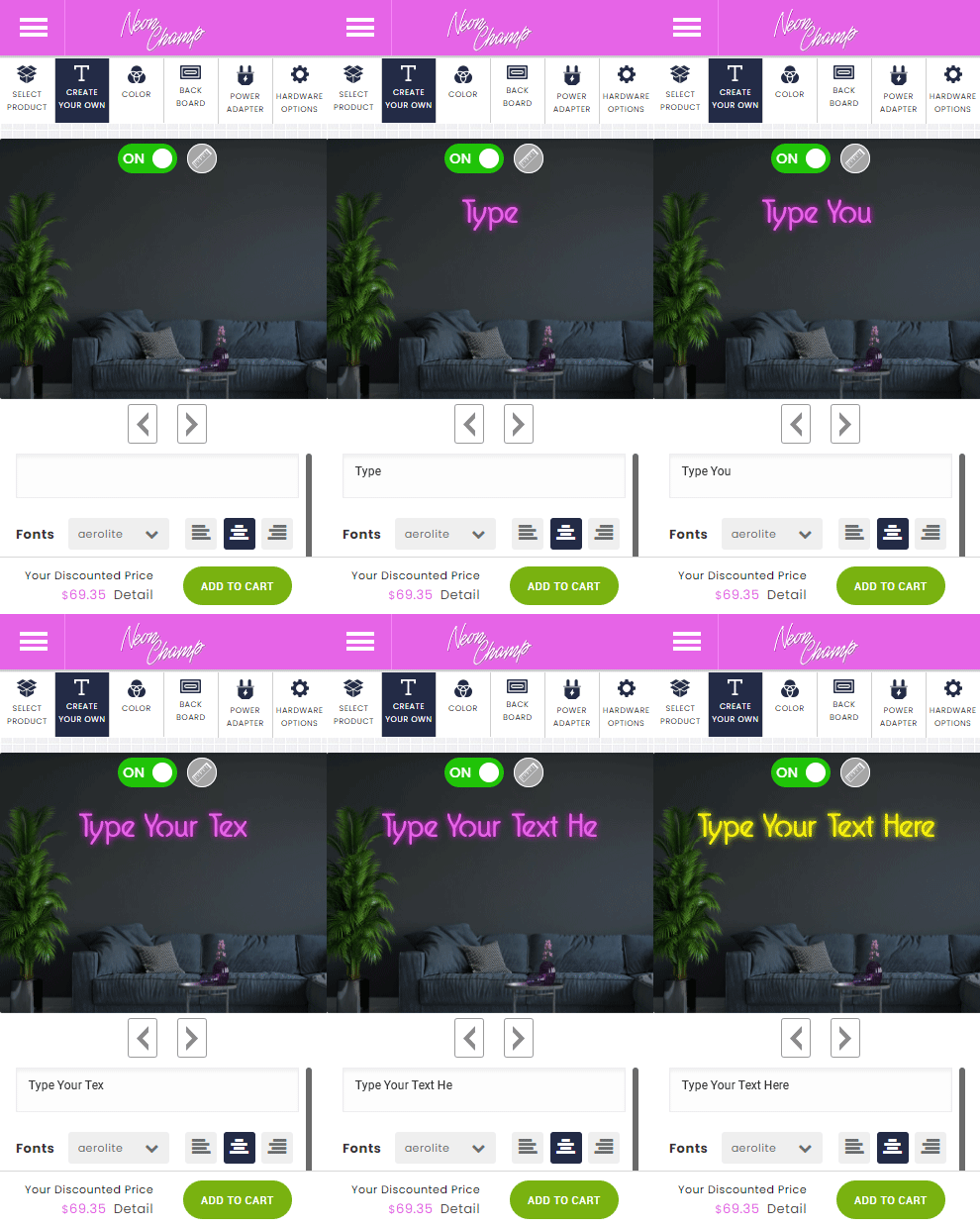
How to Turn a Name Into a Neon Sign
A name is one of the easiest designs to personalize. It can be displayed alone, paired with initials, or combined with a small symbol such as a heart, star, crown, or flower.
Choose the Right Font
Script fonts create a soft, handwritten look, while block lettering appears clean and easy to read. Consider how the letters connect, especially when the name contains repeated characters or narrow strokes.
Simple lettering is often best for smaller personalized neon signs. More decorative fonts may need a larger overall size to keep every letter recognizable.
Select a Color and Size
Choose a color that contrasts with the wall and suits the room’s mood. Warm white is versatile, pink feels playful or romantic, and blue creates a cool, modern appearance.
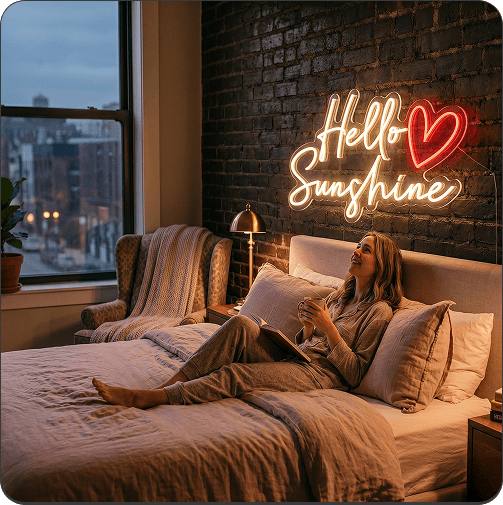
Measure the display area before selecting dimensions. Compact neon signs for bedroom walls may feature one name or initial, while larger family names can sit above sofas, beds, or entertainment units.
Decide on the Backboard Shape
A cut-to-shape backboard follows the outline of the wording for a minimal appearance. A rectangular or square backboard creates a defined border and may simplify mounting.
Acrylic backboards can be clear, colored, or otherwise finished depending on the available product options. Review the mockup to see how much backing remains visible around the letters.
How to Turn a Quote Into a Neon Sign
Quotes require more editing than names because long wording can increase the sign’s width, complexity, and cost. Start by identifying the part of the message that matters most.
Shorten Long Quotes
Reduce the quote to a memorable phrase of one to six words. “Keep Going” is easier to display than a full paragraph and can work well for inspirational neon signs in offices or creative spaces.
Short wording is also useful for event neon signs, where guests need to read the message quickly from across the venue.
Arrange Text Across Multiple Lines
A wide phrase can be split into two or three lines to fit a balanced shape. Place the most important words on the largest or central line.
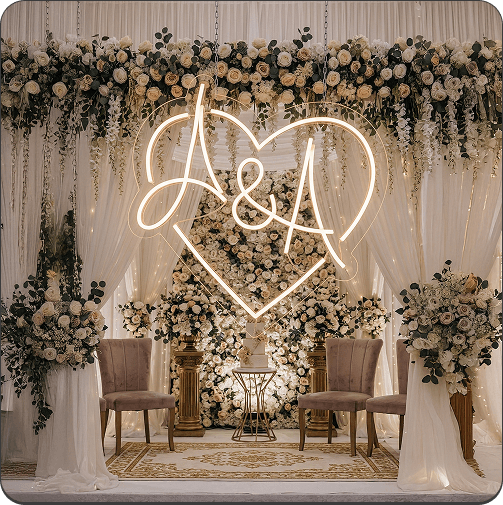
This approach is often used for wedding neon signs featuring a surname, romantic phrase, or ceremony date. Check that the line spacing feels intentional and that no words appear disconnected.
Check Readability From a Distance
Print the proposed wording on paper or view the mockup at a reduced scale. If letters merge or disappear, choose a cleaner font, increase the size, or shorten the phrase.
The sign should remain understandable from its typical viewing position rather than only when examined up close.
How to Turn a Drawing Into a Neon Sign
A drawing can become illuminated artwork when its main contours are translated into flexible LED lines. Strong outlines generally adapt better than images built around shading and fine texture.
Use Clear and Simple Lines
Trace the most recognizable parts of the subject. Pet faces, flowers, hands, instruments, game controllers, and abstract shapes can often be reduced to a few continuous lines.
Simplified drawings make attractive home decor neon signs because they communicate visually without requiring additional wording.
Remove Very Small Details
Tiny features may be difficult to manufacture or see after installation. Remove fine fur, narrow gaps, detailed shadows, and closely packed patterns.
A dumbbell, lightning bolt, or athlete outline for a gym neon sign should have a strong silhouette that remains clear from across the room.
Upload a High-Quality Image
Scan hand drawings in good lighting or photograph them directly from above. Make sure the page is flat, the lines are sharp, and no shadows cover the artwork.
For digital drawings, export the largest clean version available. NeonChamp can then review which parts will translate successfully into custom LED neon signs.
Best File Types for Custom Neon Designs
Vector files such as SVG, AI, EPS, or editable PDF are ideal for logos and digital artwork because their lines can be resized without losing sharpness. High-resolution PNG or JPEG files may also work when the artwork is clear and well contrasted.
Avoid screenshots, small website images, blurry photographs, and files with heavy compression. Include a transparent or plain background whenever possible, and convert handwritten text into a clean scan.
What Happens After You Upload Your Design?
The ordering process generally follows five stages:
- Design Review: The submitted wording or artwork is checked for production suitability.
- Digital Mockup: A preview shows the proposed shape, proportions, colors, and illuminated lines.
- Customer Approval: You review the design and request necessary corrections before confirming it.
- Production: The approved design is converted into the finished sign.
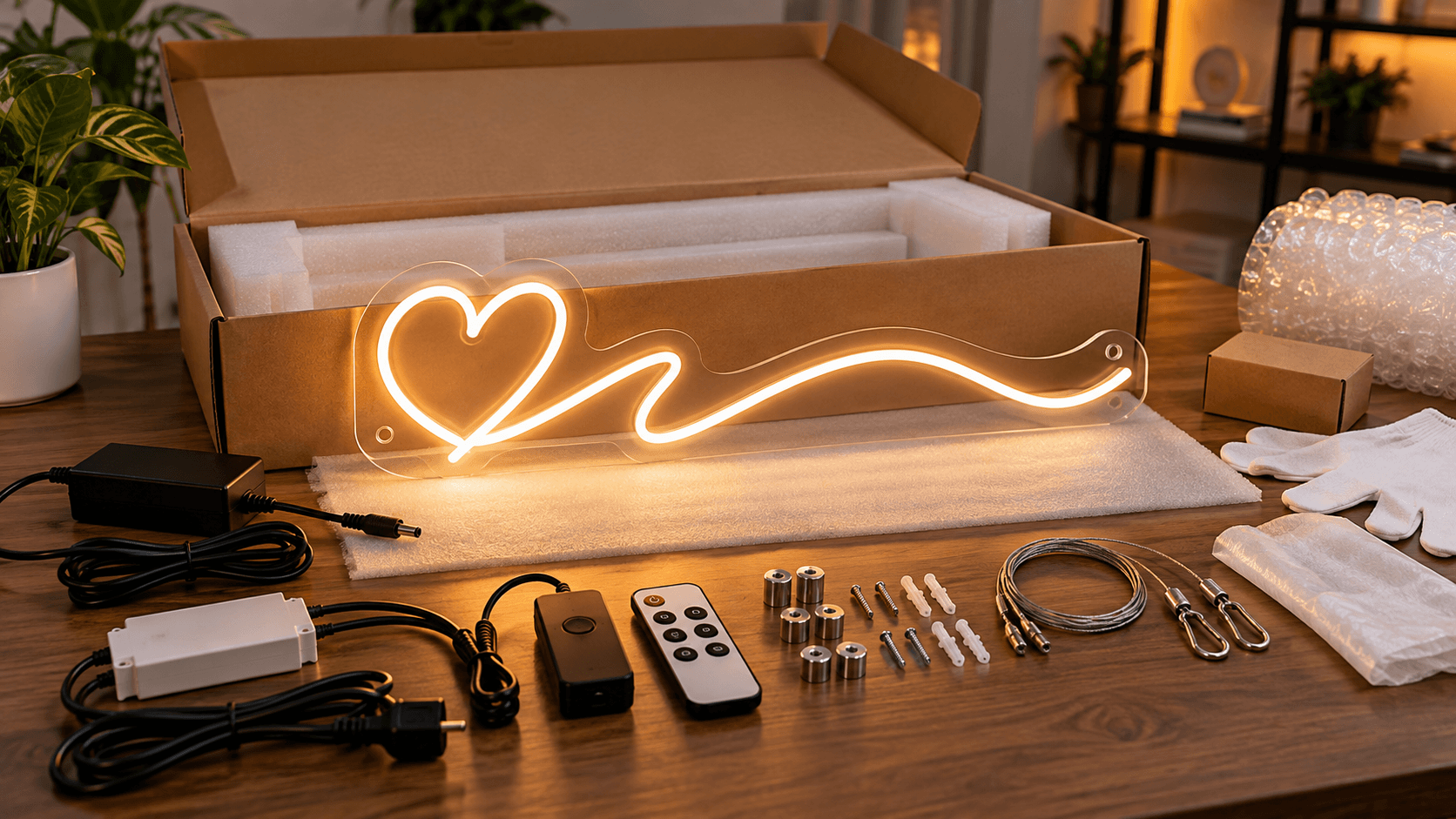
- Delivery: The completed product is packaged and shipped to the selected address.
NeonChamp’s mockup stage gives you an opportunity to identify spelling errors, missing lines, or unwanted design changes before production begins.
Common Design Problems to Avoid
- Using a long quote that creates an excessively wide sign
- Selecting an ornate font that is difficult to read
- Uploading blurry, pixelated, or incomplete artwork
- Including tiny details that cannot become clear illuminated lines
- Choosing a color with insufficient contrast against the wall
- Forgetting to measure the available installation space
- Placing essential details too close to mounting holes or backboard edges
How to Place Your Custom Order
To create your own neon sign, decide whether you are submitting text, a logo, or original artwork. Enter the wording or upload the clearest available file, then provide your preferred color, size, backboard, and installation details.
When ordering neon signs online, examine the preview carefully and confirm all spelling, dimensions, colors, and line placement. NeonChamp should receive approval only after the design matches what you want displayed.
Frequently Asked Questions
Can a child’s drawing become a neon sign?
Yes, if the drawing can be simplified into clear, recognizable outlines.
Can I use more than one color?
Multiple colors may be possible, depending on the design and selected product options.
Can text and artwork appear together?
Yes. A name can be paired with an icon, illustration, date, or small decorative element.
Do I need professional design software?
No. A clear scan, photograph, or high-resolution image can be submitted for review.
Get 25% OFF on All ProductsCode:NEON25View Offers!
Neon Collection50% OFF